
UM Coach vs UM Fitness: Which App Do You Need?
Choose the right UM app for coaches and clients. Learn how invitations work, how to onboard clients and when to consider a branded coaching app.
No momento, os artigos estão disponíveis em inglês e árabe.
5 min de leitura · · O time da UM
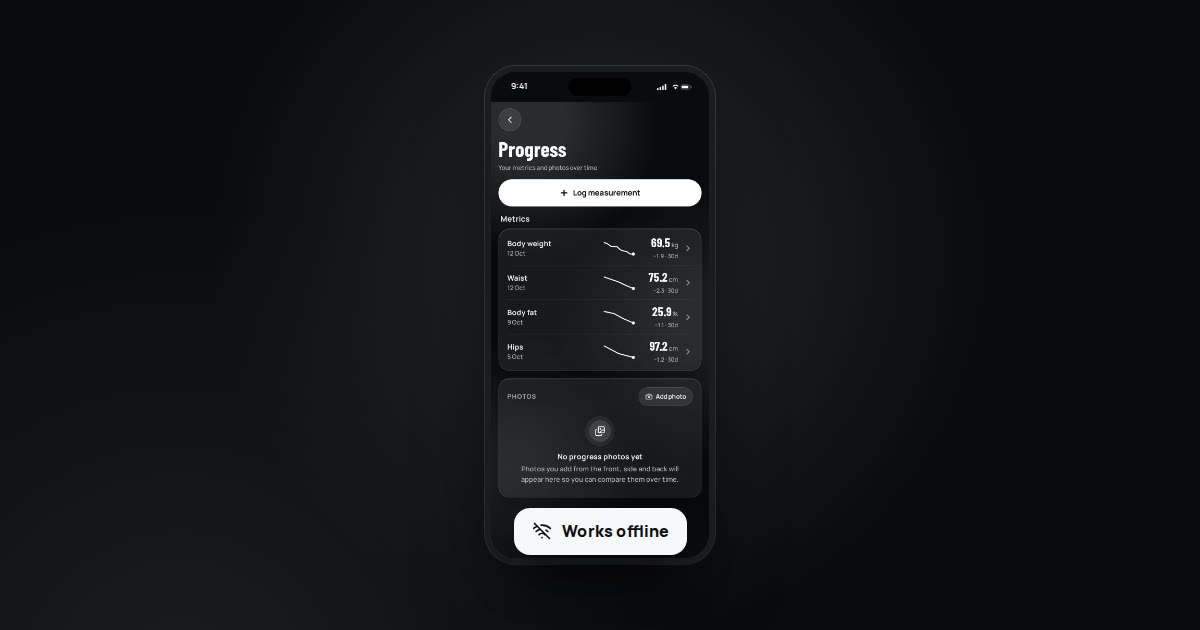
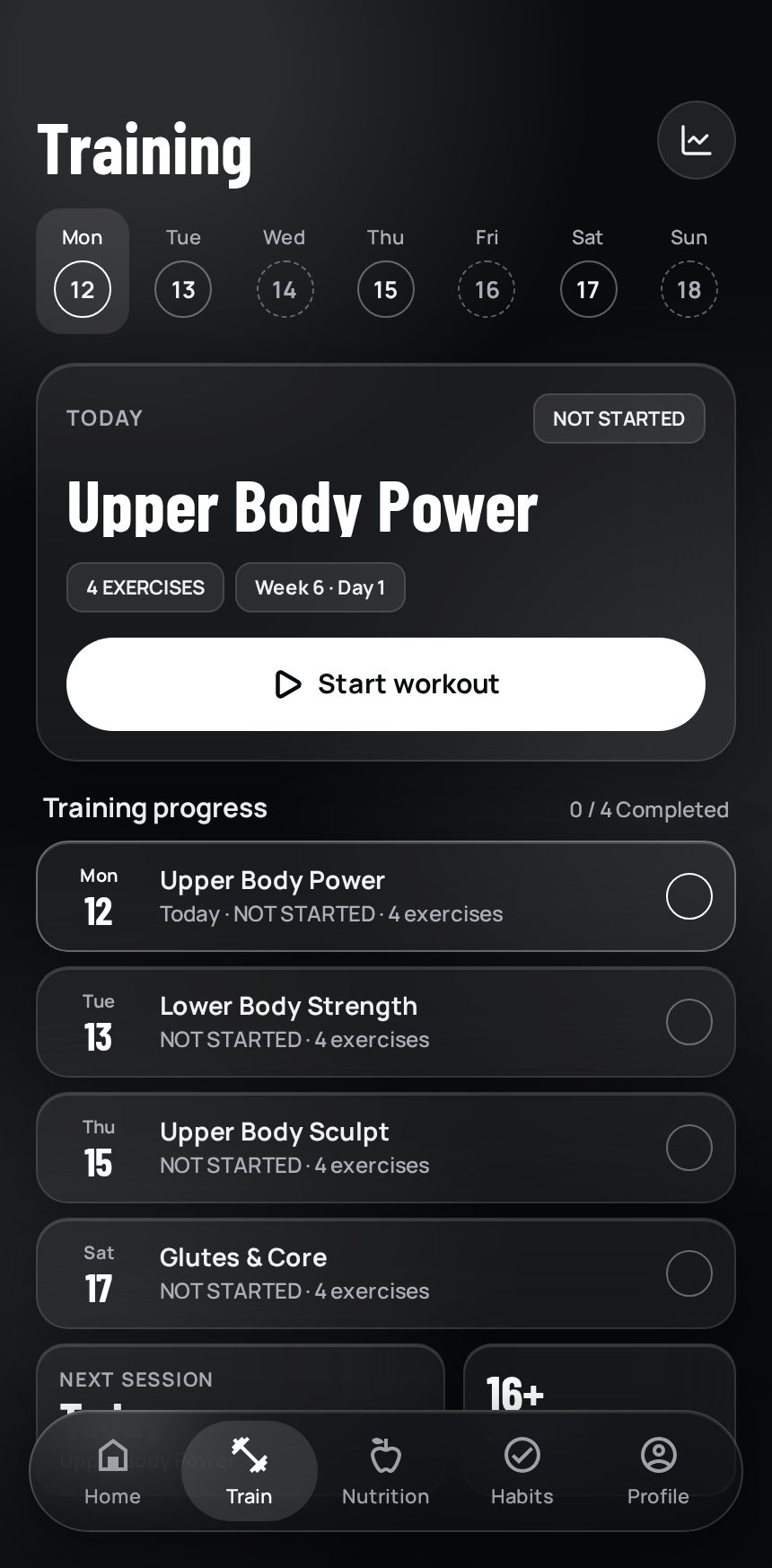
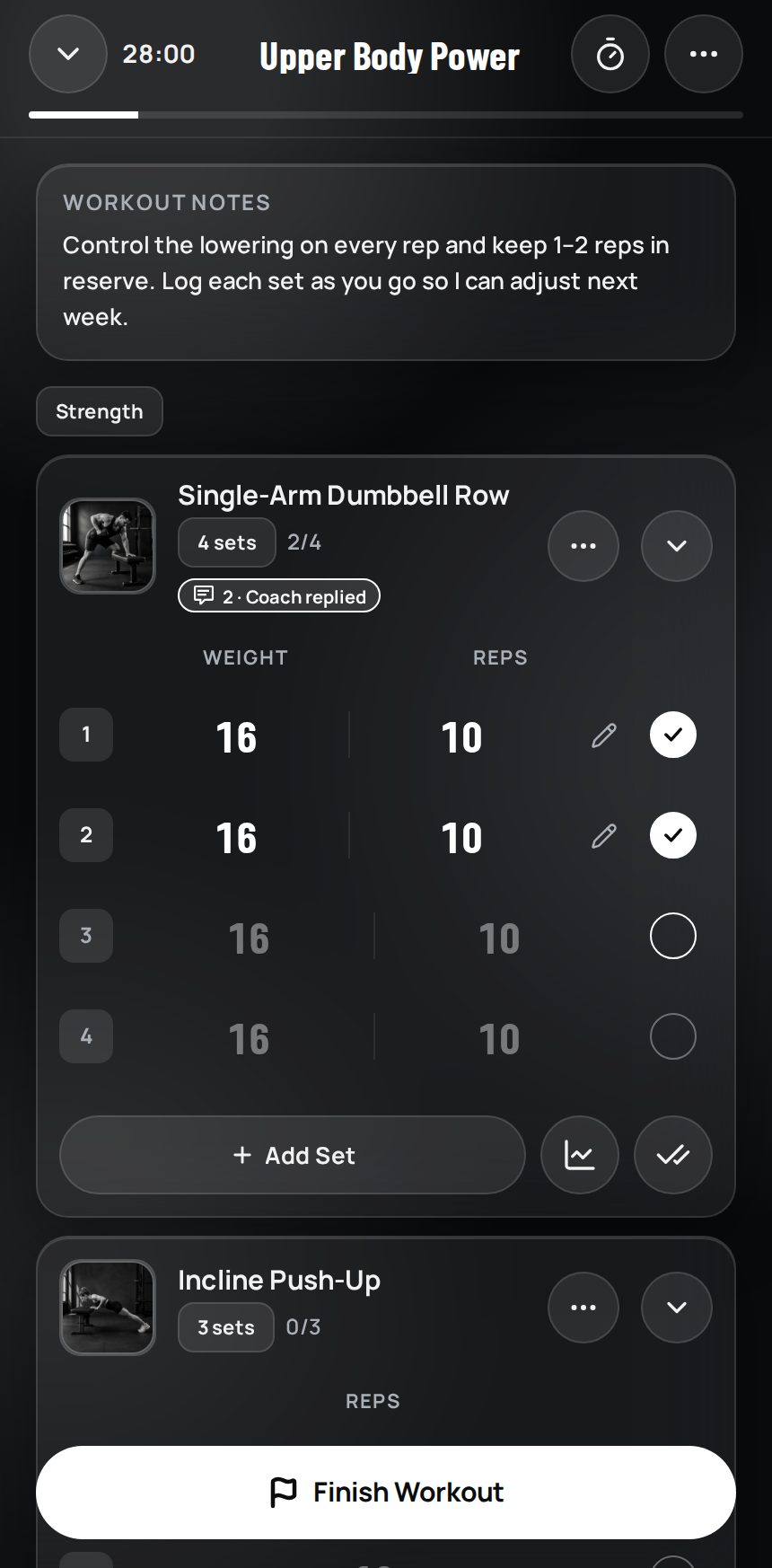
UM Coach is for managing your coaching business. UM Fitness is for clients to follow their assigned plans, track progress and submit check-ins. Clients join through an invitation from their coach.
The coach’s app
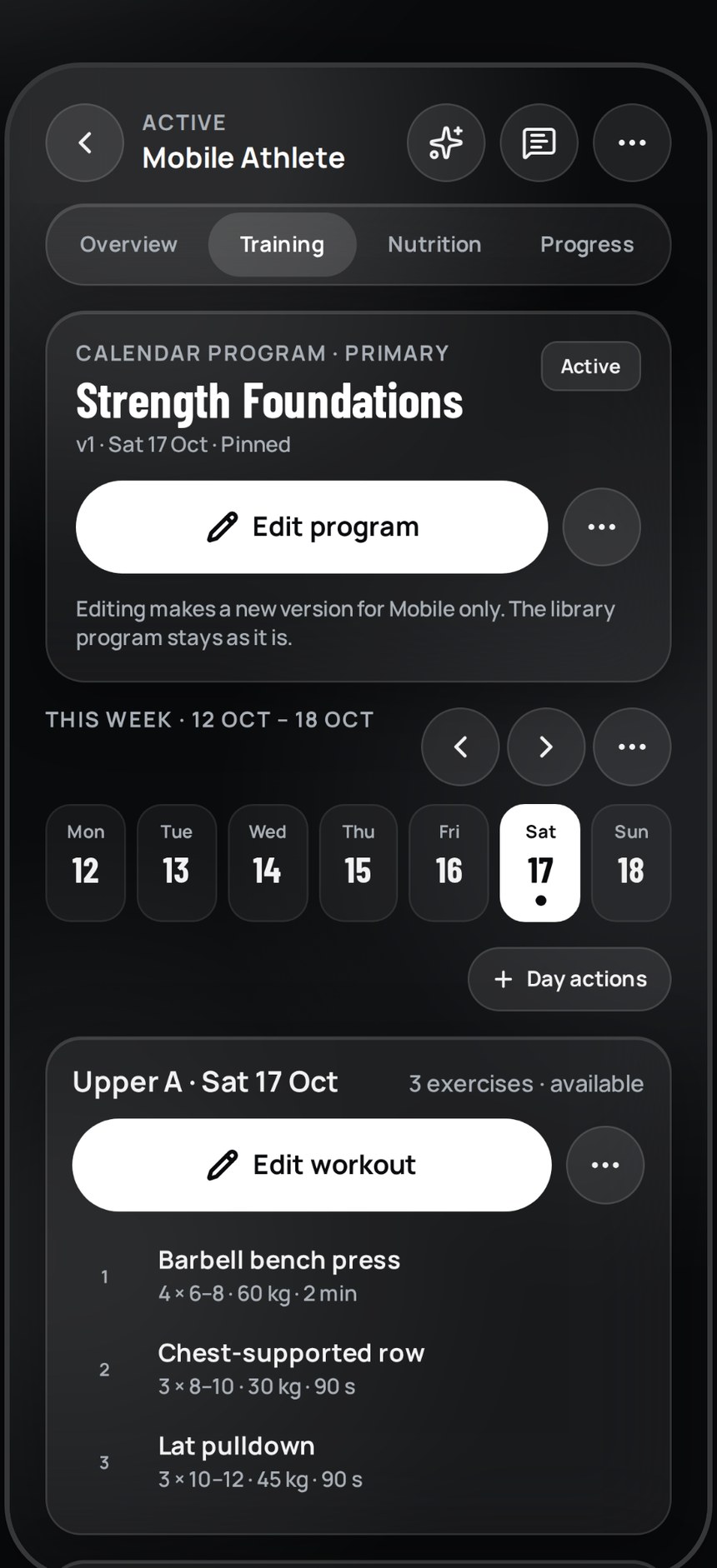
Download UM Coach from the App Store or Google Play and sign in with your coaching account. Review who needs attention and manage plans from your phone. The web dashboard is also available when a larger screen suits your work.
The client’s app
Send your client their invitation and the UM Fitness download link. Explain which email address to use. If you have a branded app, send its own store link instead of the general UM Fitness app.
- Send the correct store link and the exact app name.
- Ask the client to complete their profile and open their first workout and nutrition plan.
- Set the first check-in date and explain where to submit it.
- Confirm how the client should contact you for help.
When to choose your own app
Consider a branded app when your name and visual identity are central to the client experience. Prepare your name, logo and colours, then discuss the scope, price and store publishing process with the team. Agree the delivery details before announcing a launch date to clients.
Downloads and coaching fees
The client downloads the app free. Their coaching fee and package are agreed directly with you. Your platform subscription is separate and depends on your plan. All platform plans include check-ins, community, challenges and UM team support. Free AI access is very limited; eight languages, PDF import and integrations require a paid plan.
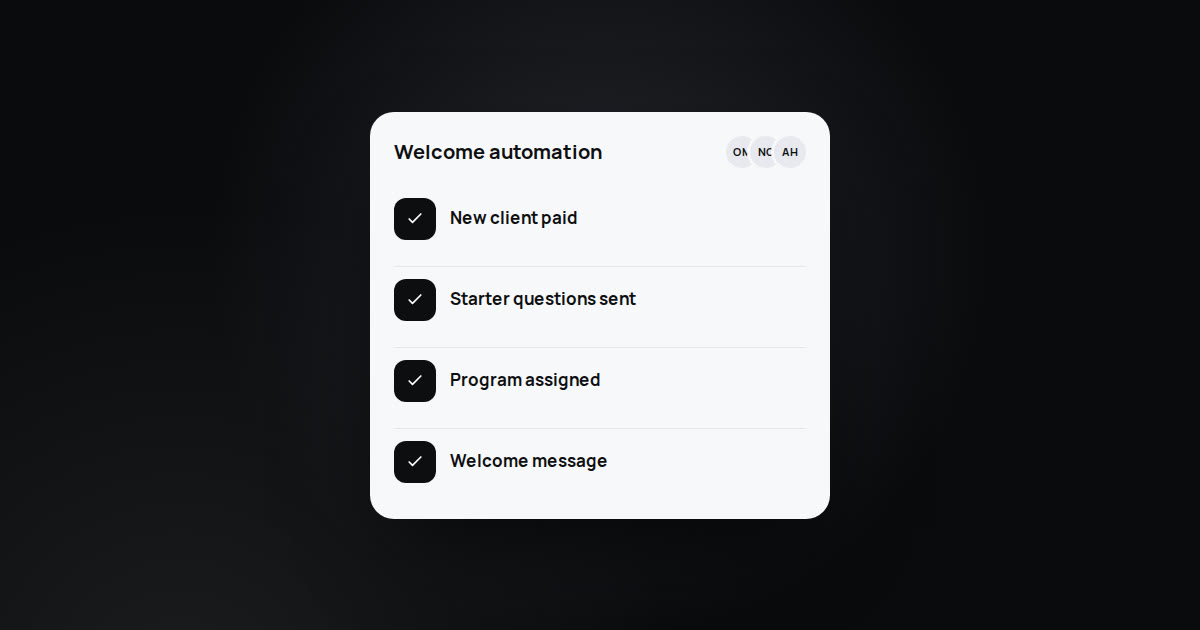
Keep one welcome message ready with the app name, store link, sign-in email, first task and check-in date. A clear starting point saves repeated explanations.
Última atualização: