
Online Coaching Client Management: Ditch PDFs and WhatsApp
How to move your online coaching from PDFs on WhatsApp and an Excel sheet to one client management system: one file per client, check-ins, renewals, an app.
文章目前提供英语和阿拉伯语版本。
阅读 6 分钟 · · UM 团队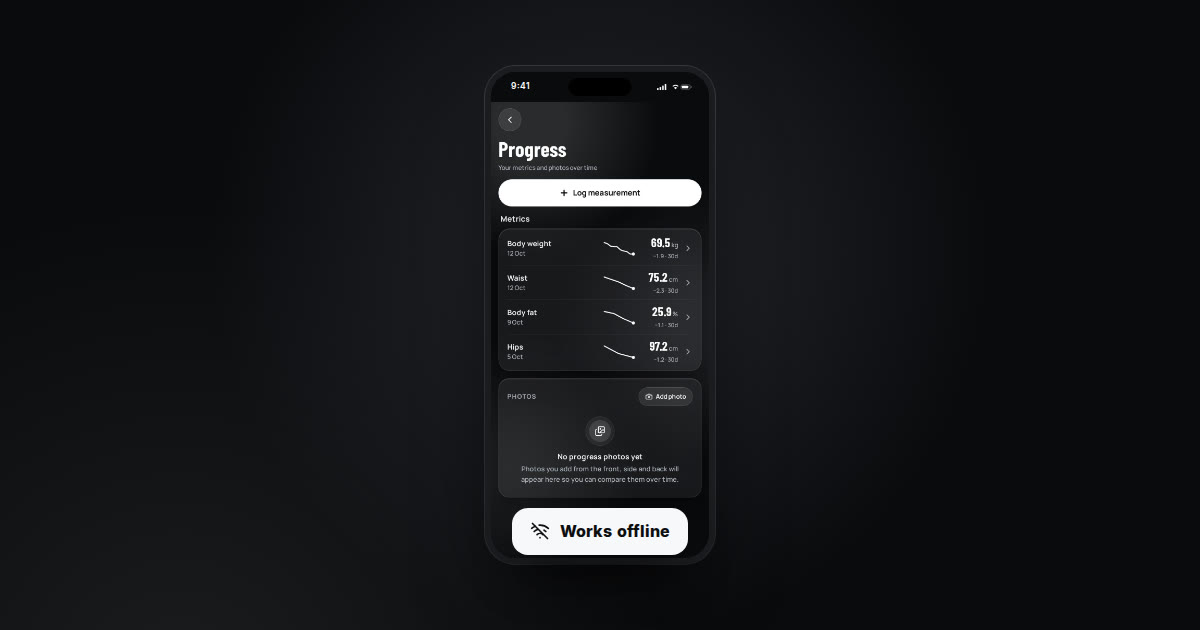
If you send programs as PDFs on WhatsApp and track clients in an Excel sheet, the fix is to move everything into one online coaching client management system: a single file per client holding training, nutrition, check-ins, chat and payments, while the client gets an app instead of a file that disappears in a chat. Here is when to switch, what to look for, and how to move over in one week without confusing a single client.
If this is your day, you are not alone
You wake up to 40 unread messages. One client asks which week of the program he is on. Another sends a photo of the scale. A third asks you to resend the meal plan because the file will not open.
At night you sit with the spreadsheet, trying to remember who paid and whose package ran out last week without anyone noticing. And you still have not written anyone's new program.
Coaches describe it in almost the same words:
- “I spend more time answering messages than actually coaching.”
- “I have no idea who checked in and who went quiet.”
- “A client renewed and I only noticed later he never paid.”
- “Every small edit means a new PDF and sending it again.”
Why PDFs and WhatsApp stop working as you grow
With five or six clients, WhatsApp is fine. You know everyone by name and remember their situation. The problem is that this setup does not scale: every new client adds another chat, more voice notes and more files, with nothing tying them together.
A PDF is also a dead document. The client cannot tick off a finished workout, cannot watch a demo of the movement, and every revision becomes a hunt for the latest version between photos and memes.
Worst of all, follow-up slips. The client who skipped this week's check-in goes unnoticed until they tell you they quit. In practice, that is often a client who would have stayed if someone had checked in at the right time.
What online coaching client management software needs
Whether you pick UM or something else, this is the checklist that matters most in our experience working with coaches:
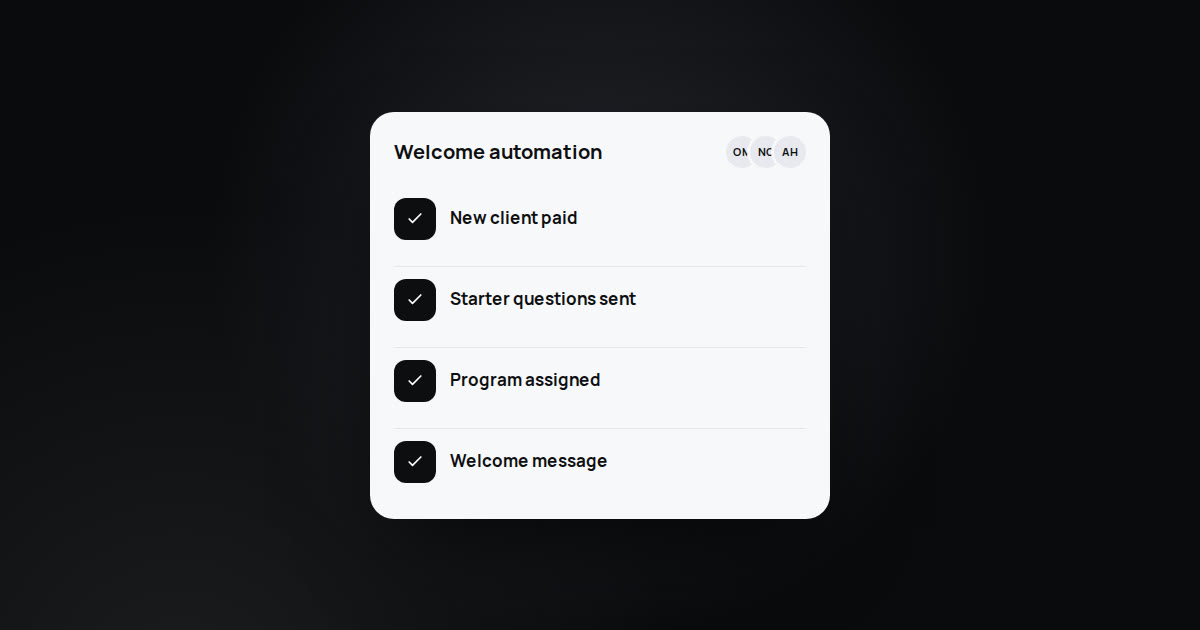
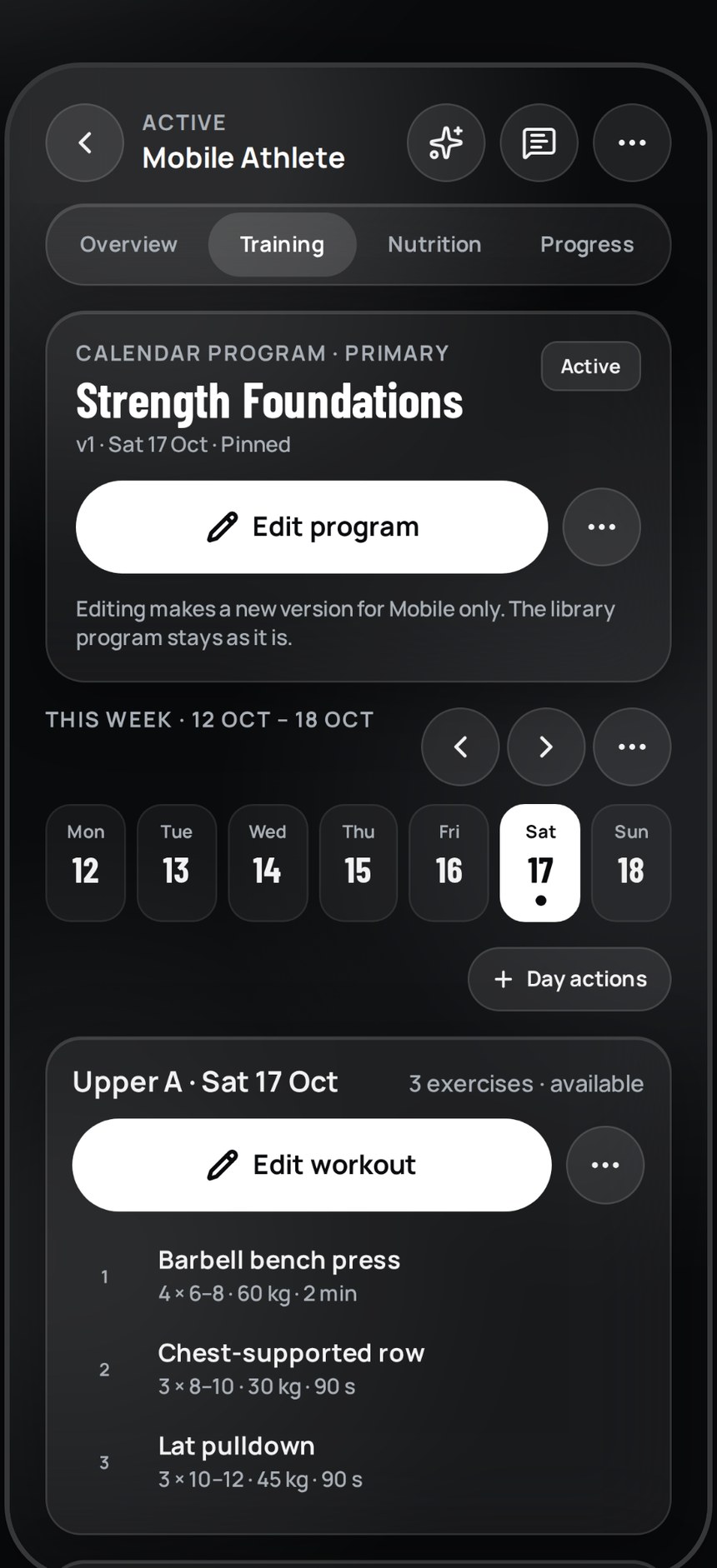
- One file per client: program, meal plan, check-ins, photos and measurements, chat and payments together.
- A client app on the phone instead of a PDF, showing today's workout and letting them mark it done.
- An exercise and meal library in Arabic and English, so you are not writing everything from scratch.
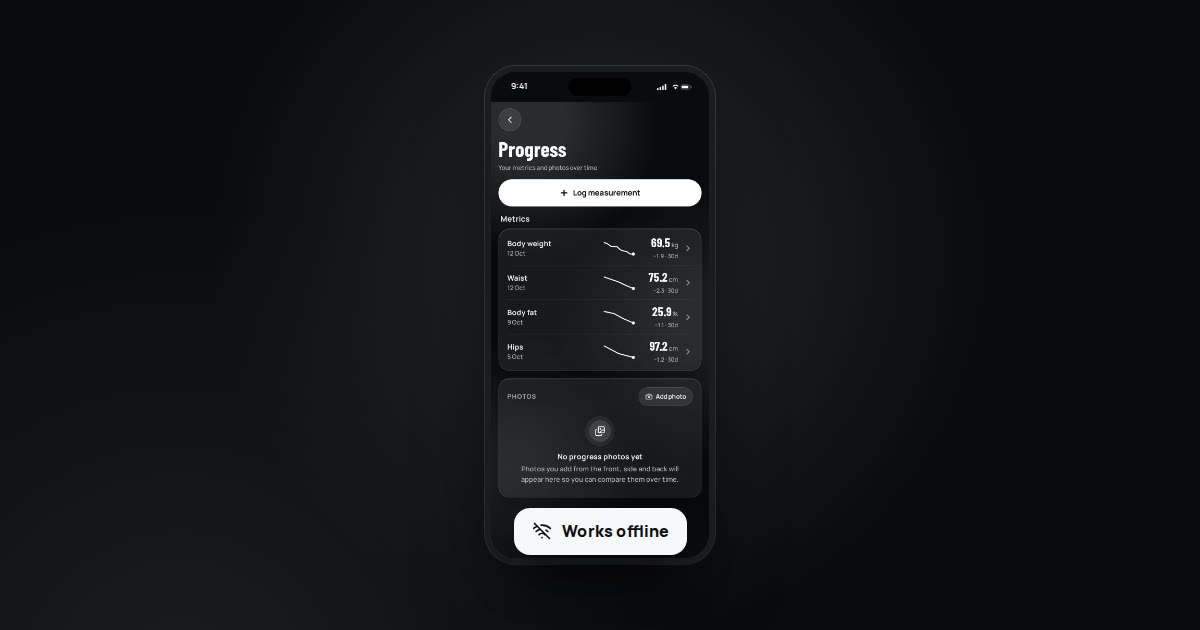
- Weekly check-ins with a fixed form, photos and measurements, plus a clear view of who did not submit.
- Subscription tracking: who paid, whose package is ending, who needs a follow-up.
- Works from your phone, even on a weak connection, because you are not always at a laptop.
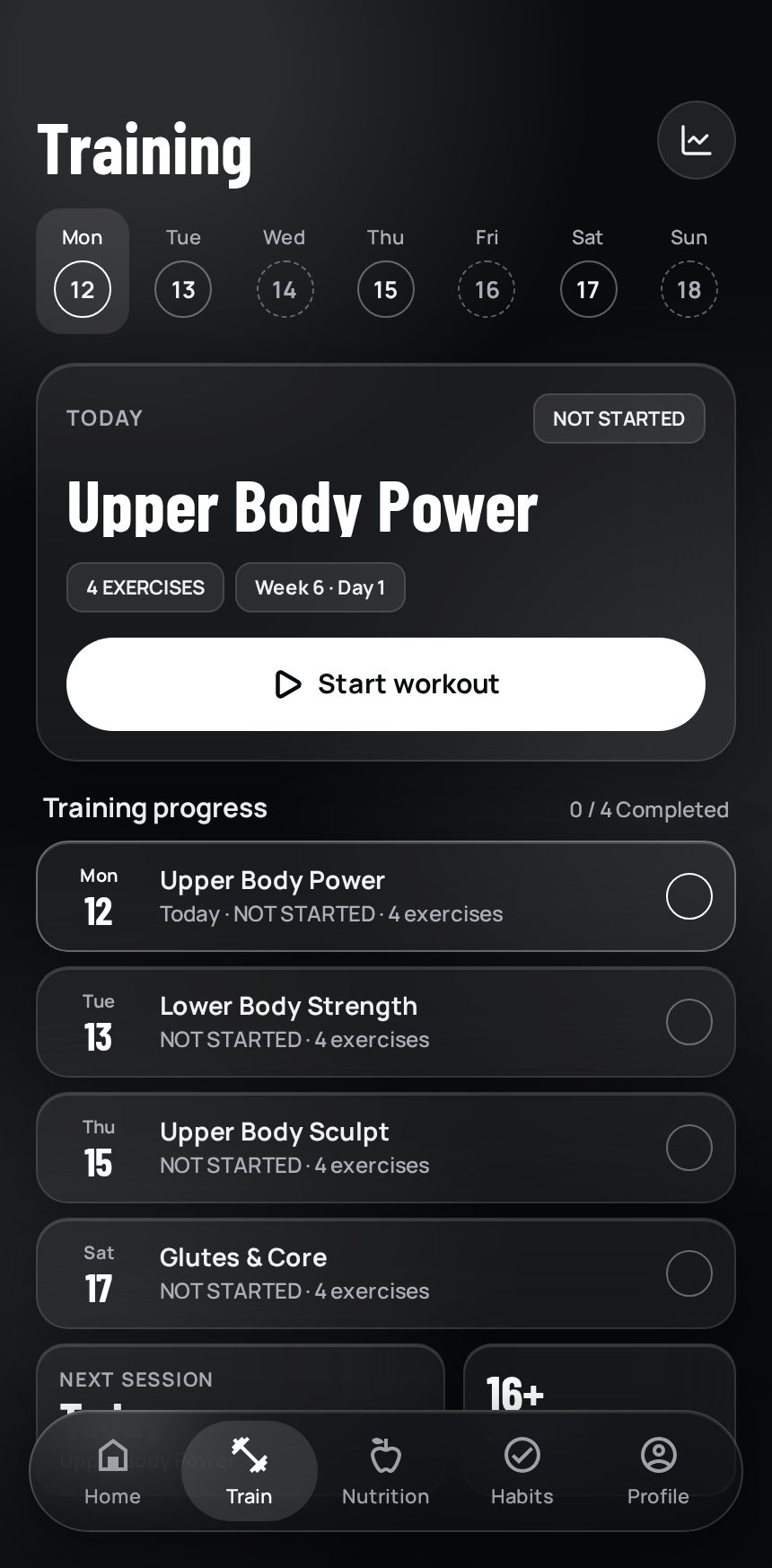
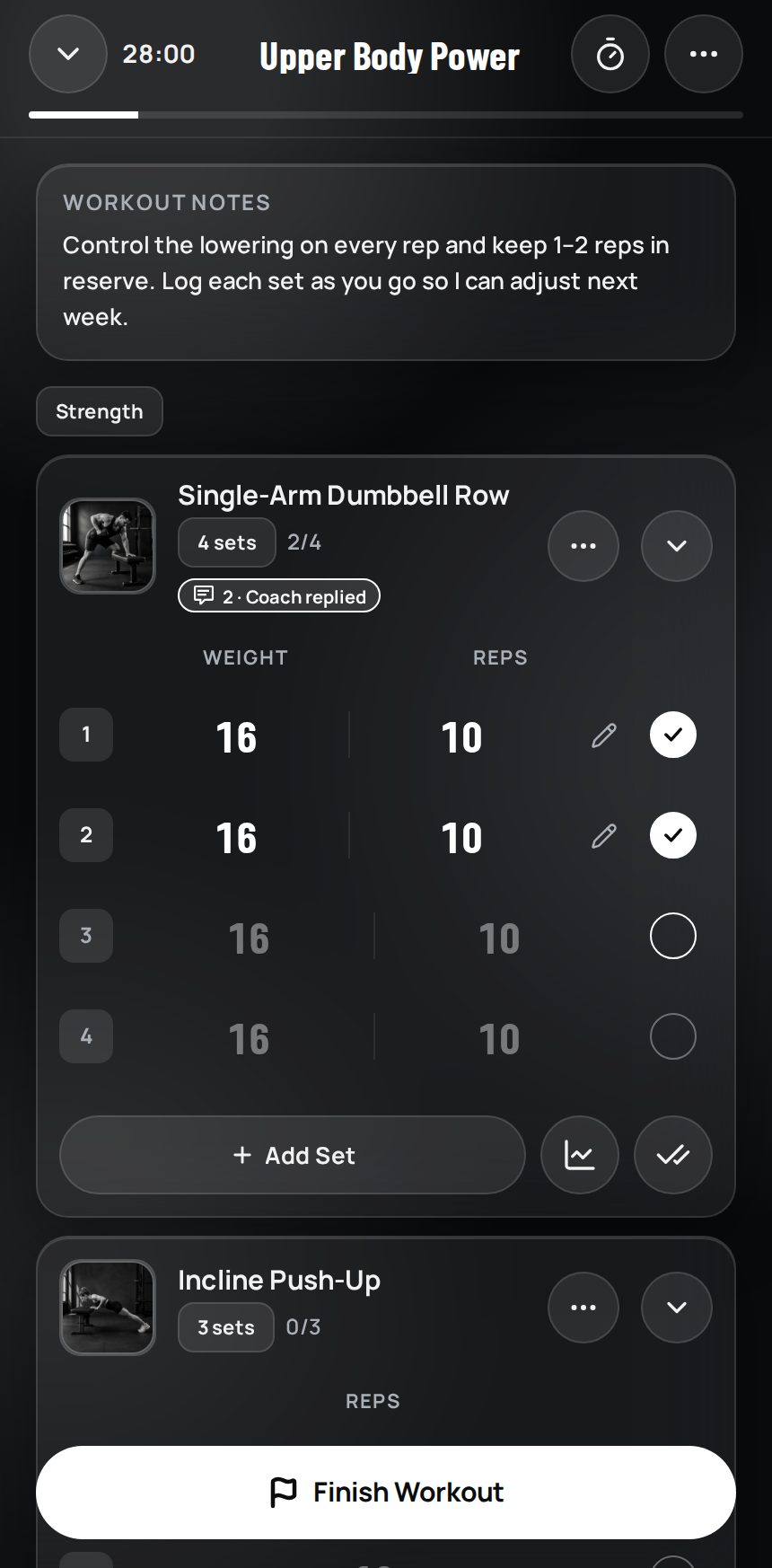
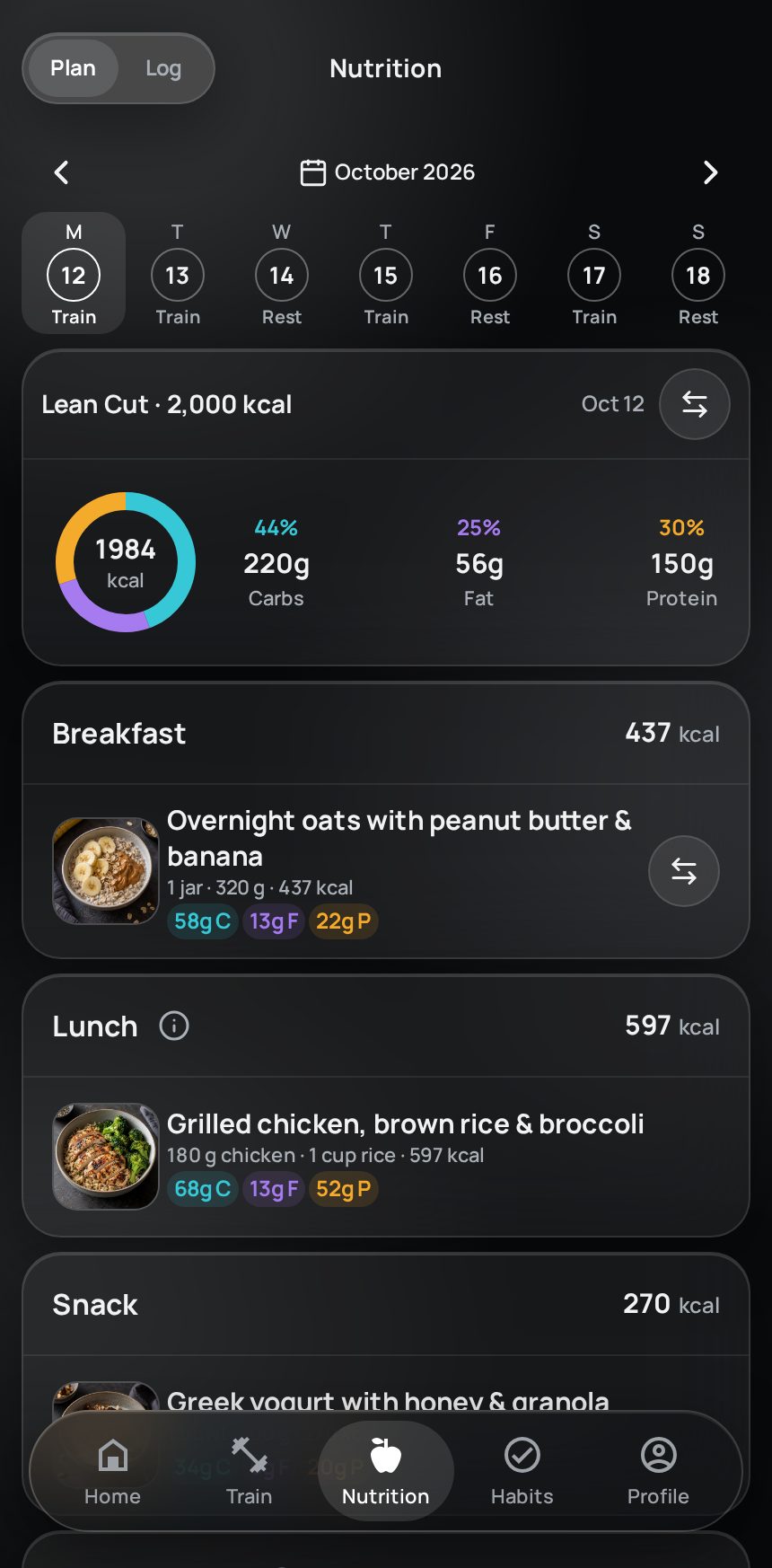
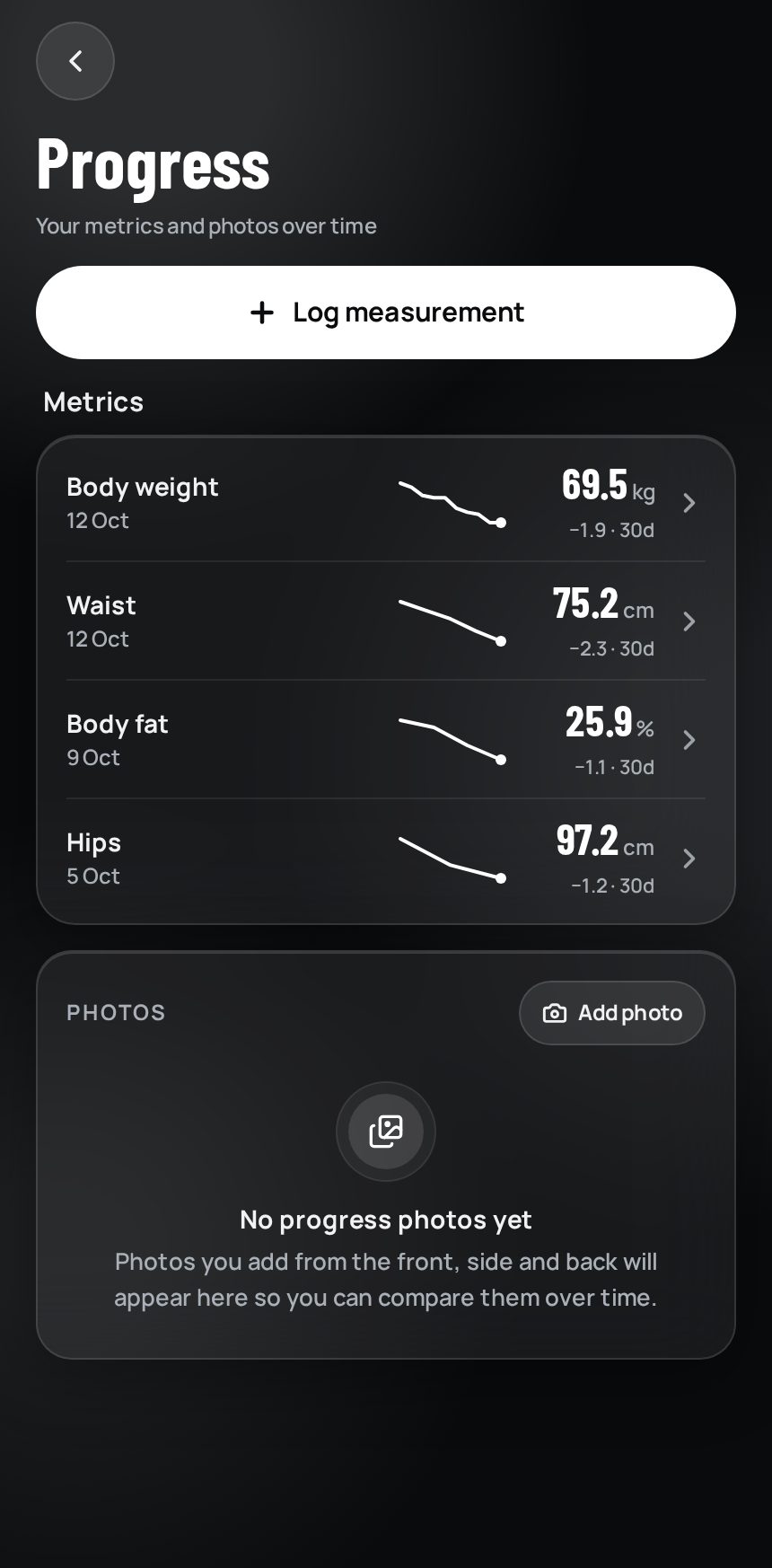
That is exactly how UM works: one file per client, and your client downloads UM Fitness from the App Store or Google Play and finds the program waiting. You get 5,000+ exercises with Arabic and 5,000+ meals, and you can add your own meals and branded exercises.
A one-week migration plan
The biggest fear is breaking what already works. So do not move everyone on day one. Try this order instead:
- Day 1: set up your account and build a workout template and a meal-plan template you use most.
- Day 2: add three of your most active, closest clients. They will give you honest feedback.
- Day 3: send them the switch message below and ask them to install the app and try one workout.
- Days 4-5: send the rest of your client sheet to the UM team, who move them over in bulk; start follow-ups with whoever renews soonest.
- Day 6: pick one fixed weekly check-in day for everyone.
- Day 7: stop sending PDFs. Any question about the program gets the same answer: open the app.
Do not migrate the whole spreadsheet at once. Start with active clients only and add inactive ones when they come back to renew. You start with a clean system, not a cluttered one.
If you work with an assistant, give them a team role instead of your password, so each person sees only what they need.
A ready-to-send message for your clients
Clients accept change when it feels like it is for them, not for you. Copy this and make it yours:
“Hi [name]! Starting this week, your program and meal plan move from PDF to an app. You will see each day's workout with a video of every movement, tick it off when you are done, and send me your check-in from the same place. Download it from this link and tell me once you are in.”
After the first week, ask just one question: what did you like most, and what is missing? Those answers tell you what to adjust.
今天硬拉感觉很沉
0:04 背是直的。下放再慢一点。
Money and renewals: from guessing to a clear view
A spreadsheet only knows what you typed into it. Forget to update it and it forgets too. In one system, the subscription lives in the client file: you see who paid, whose package ends this week, and who needs a renewal message.
Clients pay inside their coaching app through a payment gateway, with UM’s official EasyKash partnership. No external payment links. Subscription and renewal tracking stay in the same system. UM takes 0% platform commission on coaching revenue; payment processing fees are separate under the payment service terms.
It is free forever for up to 3 clients, no card needed. Run the one-week plan above with your first clients and judge for yourself. If you would rather have someone walk you through it, book a call with the team.
最近更新: